
What is YouTube Thumbnail Checker?
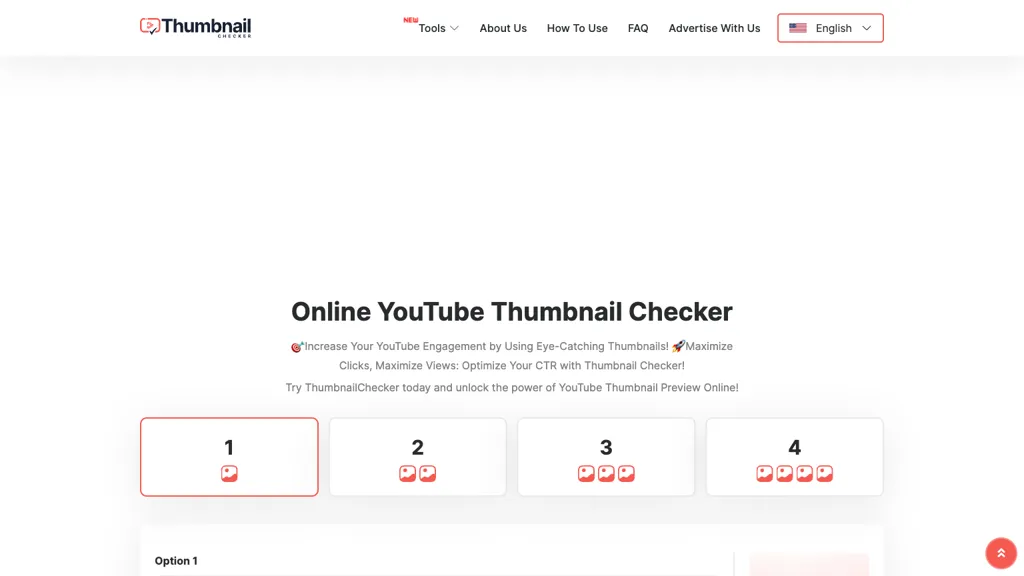
YouTube Thumbnail Checker is an online tool that lets creators upload thumbnails up to 1 MB for instant preview in the 1280 × 720 format required by YouTube. The interface allows users to compare up to four thumbnails or titles at a time, providing side‑by‑side views of their own images against competitor videos.
Advanced settings enable category‑specific presets for gaming, music, news, and other genres, helping users fine‑tune their visuals for specific audiences. A/B testing features track which thumbnail variation receives the highest click‑through rate, giving data‑driven guidance on optimization.
The tool also displays competitor thumbnails by entering a video URL, allowing direct visual comparison of strengths and weaknesses. Designed for desktop and mobile browsers, it offers a simple upload, title entry, and instant live data display without installation or registration.
YouTube Thumbnail Checker pricing Free
This tool is free to use, with no credit card required.
Verify on the official pricing page.
Get started freeYouTube Thumbnail Checker user reviews
Based on 2 reviews, 100.0% of users recommend YouTube Thumbnail Checker, rated highly for ease of use.
Liked for
Would you recommend YouTube Thumbnail Checker?
YouTube Thumbnail Checker's key features
-
Compare up to four thumbnails
-
Upload thumbnail ≤1MB
-
A/B test thumbnails
-
Competitor thumbnail comparison
-
Live data testing
-
Preset category optimization
YouTube Thumbnail Checker use cases
-
Create high‑converting YouTube thumbnails by uploading up to 1 MB files, instantly previewing 1280 × 720 designs, and running A/B tests to boost click‑through rates without any registration
-
Compare up to four gaming thumbnails side‑by‑side using preset categories, quickly identify the most engaging visual style and increase subscriber engagement
-
Analyze competitors’ video thumbnails directly from a video URL, view their design trends, and adapt proven tactics to improve your own thumbnail performance
Who is it for?
-
Content creators
-
E-commerce sellers
-
Product designers
-
Digital marketers
-
Data analysts


