
What is Video Cutter?
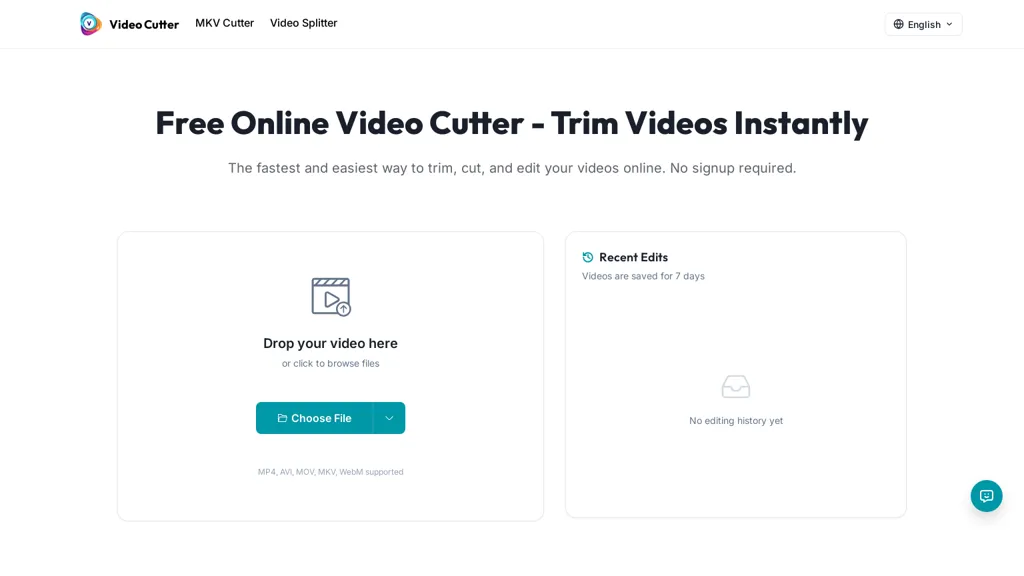
Video cutter is an online video trimming and cutting tool that supports MP4, AVI, MOV, MKV and WebM files.
Use a drag-and-drop interface or file browser to set start/end points on a timeline and trim videos precisely.
Supports lossless trimming and preserves audio tracks, subtitles and chapter data for MKV files; export trimmed clips in multiple formats.
Includes a video splitter for batch segmenting and timeline handles for precise cuts; processes files for quick downloads and sharing.
Optional account saves recent edits and editing history for up to seven days; help resources include tips and tutorials.
Upload limits are 500 MB or 30 minutes per file; videos are processed securely and deleted after processing.
Designed for content creators, social media managers, and presenters who need fast, format-preserving trimming and splitting tools.
Video Cutter pricing Free
This tool is free to use, with no credit card required.
Verify on the official pricing page.
Get started freeVideo Cutter user reviews
Based on 6 reviews, 66.7% of users recommend Video Cutter, rated highly for quality results.
Liked for
Disliked for
Would you recommend Video Cutter?
Video Cutter's key features
-
Supports MP4, AVI, MOV, MKV and WebM file formats
-
Drag-and-drop and file-browser interface with timeline start/end handles for precise trimming
-
Lossless trimming that preserves audio tracks, subtitles and MKV chapter data
-
Video splitter for batch segmenting
-
Export trimmed clips in multiple output formats
Video Cutter use cases
-
Split long MKV/MP4 recordings into chaptered clips using the online video cutter's drag-and-drop timeline, performing lossless cuts that preserve audio, subtitles and MKV chapters for immediate publishing without re-encoding
-
Batch-segment large batches of surveillance, lecture, or event footage into smaller, format-preserving files with quick, secure processing and optional short-term edit history so you can revert changes and maintain original metadata
-
Create social-media-ready highlights from raw MOV/AVI/WebM files by precisely trimming with frame-accurate controls, preserving audio and subtitles losslessly and exporting ready-to-upload clips fast
Who is it for?
-
Content creators
-
Video editors
-
Social media managers
-
Video presenters
-
Academic students


