
What is AI Vector.ai?
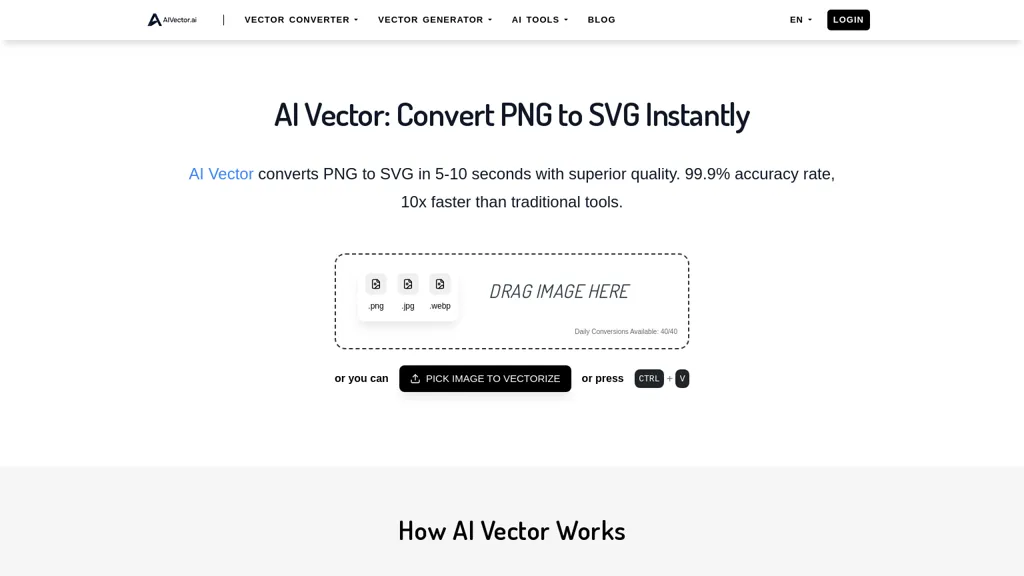
AI Vector converts PNG, JPG, and WEBP images to SVG format in 10 seconds.It will analyze pixel data for high-quality, watermark-free outputs.The tool allows unlimited daily conversions, requires no account, and does not store uploaded files.
AI Vector.ai pricing Free
This tool is free to use, with no credit card required.
Verify on the official pricing page.
Get started freeAI Vector.ai user reviews
Based on 5 reviews, 80.0% of users recommend AI Vector.ai, rated highly for quality results.
4
recommend
1
don't
5 reviews
Liked for
Quality results
4 of 4
Easy to use
3 of 4
Worth the price
2 of 4
All key features
1 of 4
Disliked for
Missing features
1 of 1
Lacks integrations
1 of 1
Would you recommend AI Vector.ai?
Recommend this tool?
AI Vector.ai's key features
-
Image format conversion
-
Support for PNG, JPG, and WEBP formats
-
Advanced algorithms for pixel data analysis
-
Unlimited daily conversions
-
No account required and no file storage
AI Vector.ai use cases
-
Convert logo designs from PNG to SVG format quickly using AI Vector, ensuring scalable graphics for high-resolution printing and web use without any watermarks.
-
Utilize AI Vector to transform web images in JPG or WEBP format to SVG, enabling easy integration into web projects with cleaner, resolution-independent graphics.
-
With AI Vector, designers can efficiently convert bulk images into vector format on a daily basis without the need for account creation or file storage concerns, streamlining their workflow.
Who is it for?
-
Web developers
-
Graphic designers
-
Digital artists
-
Content creators
-
Marketing professionals


