
Top 29 PDFgear Alternatives in 2026
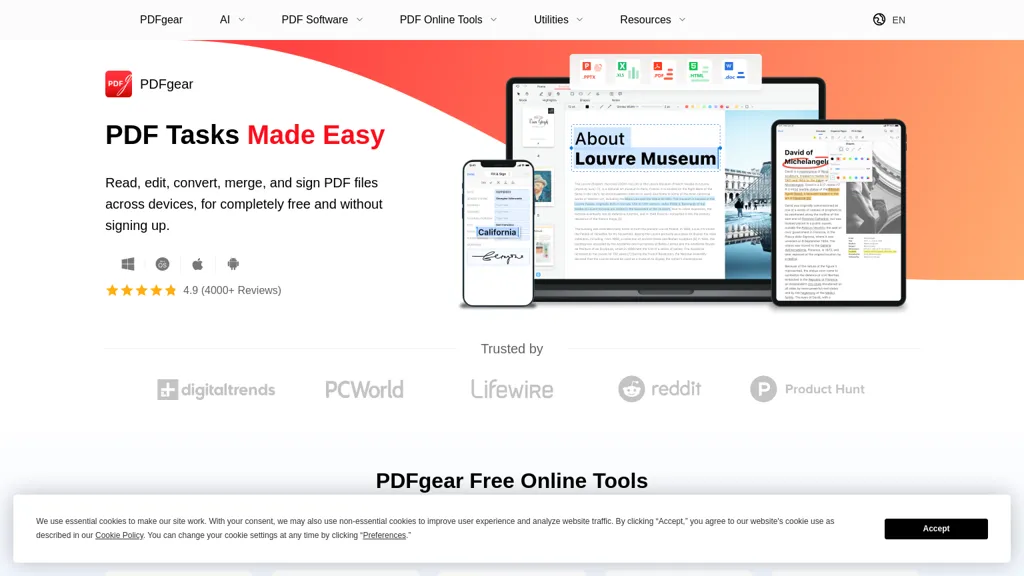
76.5% positive · 17 user reviews FreePDFgear is a cross‑platform PDF editor that allows editing of text, images, shapes, and form fields; supports annotations, batch conversion to Word/Excel/PowerPoint, OCR in 30+ languages, AI chat summaries, and merge/split/compress/sign functions.
We've ranked 29 PDFgear alternatives, including 26 with a free plan. Rankings are based on feature coverage and user feedbacks.
Top-rated alternatives include TopPDF, GoPDF, and PDF Translator & Editor.
29 PDFgear Alternatives & Competitors, Ranked by User Reviews
Click Compare on any tool to compare it side-by-side with PDFgear.
 #1
TopPDF
#1
TopPDF
AI PDF Tools offers robust features for editing, translating, compressing, merging, and converting PDF documents. It ensures efficient document management while maintaining formatting integrity across various formats, enhancing productivity for users handling PDF files.
 #2
GoPDF
#2
GoPDF
GoPDF is a browser‑based PDF editor that enables editing, annotating, formatting, and compression without installation. It supports text/image insertion, header/footer, page management, conversions (PDF→JPG/Word/HTML), merging/splitting, AI chat, invoicing, and AI quiz creation for students.
 #3
PDF Translator & Editor
#3
PDF Translator & Editor
Cloud-based translator that handles PDFs, scanned PDFs, Word, Excel, PowerPoint, and images in 136 languages while preserving layout. Offers direct PDF editing, scanning, splitting, and share‑extension for seamless collaboration for teams, educators, and business professionals.
 #4
BestPDF
#4
BestPDF
BestPDF is a web-based PDF editor and converter that edits text/images, translates while preserving layout, performs OCR, converts between PDF, Word, Excel, PowerPoint and image formats, and offers batch merge, split, compress and text-polishing tools.
 #5
pdfAssistant.ai
#5
pdfAssistant.ai
pdfassistant.ai is an AI chatbot that serves as your personal PDF assistant, available 24/7 to handle all your PDF processing tasks with ease. It helps with complex PDF workflows and tedious manual document handling as pdfassistant.ai lets you work smarter.
 #6
ChatPDF
#6
ChatPDF
ChatPDF lets users upload PDFs for conversational queries, mapping content and providing cited answers. It supports folders for combined documents, side‑by‑side chat and source viewing, and offers multilingual input and output.
- Catch deals before they expire
- Unlock tools matched to you
- Show off your AI stacks
Already a member? Sign in
 #7
PDF.ai
#7
PDF.ai
PDF.ai lets users upload PDFs and chat for questions, summaries, and data extraction. It parses documents into structured JSON, detects sections, tables, and figures, and supplies source‑cited answers via a RESTful API for rapid, secure analysis.
 #8
PDFT.AI: AI Document Translator
#8
PDFT.AI: AI Document Translator
PDFT.AI: AI Document Translator is an AI-powered tool that translates PDFs, DOCX, and XLSX files while preserving layout and formatting across 100+ languages. It ensures fast, secure translations with support for technical, medical, and legal terminology.
 #9
DeepPDF
#9
DeepPDF
DeepPDF is an AI-powered tool for interacting with PDFs, enabling conversational queries, summaries, translations, and analysis of text, images, and formulas. It also supports OCR, annotations, and multi-format conversions for seamless document handling.
 #10
PDFTranslator.org
#10
PDFTranslator.org
PDFTranslator.org is a free AI tool that translates PDF documents into nearly 100 languages while perfectly preserving the original layout, images, and formatting. Simply upload your file and receive a translated copy, or an editable Word document, in just minutes with no registration required.
 #11
aiPDF
#11
aiPDF
aiPDF lets users upload PDFs, EPUBs, URLs or YouTube links to extract data, summarize content, and ask context‑specific questions. It returns source‑backed answers, supports any file size, auto‑deletes uploads, and offers response exports.
 #12
AI TranslateDocs
#12
AI TranslateDocs
AI TranslateDocs translates PDFs, Word, Excel, PowerPoint, CSV, and TXT files, using OCR to preserve layout. It supports over 130 languages, offers secure encryption, and delivers quick, accurate translations for legal, medical, academic, and business documents.
 #13
AI PDF Summarizer
#13
AI PDF Summarizer
AI PDF Summarizer converts PDFs up to 10 MB into concise summaries within seconds. Upload by drag‑and‑drop, then request summaries, key‑point highlights, translations, search, rephrase, or citation extraction. Files are encrypted and not stored, ensuring privacy.
 #14
ScannerGo
#14
ScannerGo
Scanner Go turns your phone into a scanner for documents, books, and photos. It outputs PDF, Word, PPT, Excel, PNG, JPG, or ZIP, provides OCR, and lets you merge, split, compress, lock, and sync files to the cloud.
 #15
aidocmaker.com
#15
aidocmaker.com
AI Doc Maker produces PDFs, Word, PowerPoint, and Excel files from prompts or uploads, applying layouts, tables, and multilingual formatting. It provides templates for reports, contracts, proposals, and spreadsheets, streamlining document creation for professionals.
 #16
AI TransPDF
#16
AI TransPDF
AI TransPDF is a versatile AI tool that translates PDF, PPTX, XLSX, and other file formats while preserving original layouts, images, and tables. It supports 80+ languages, offers previews/summaries, and ensures secure, high-quality document processing.
 #17
ToolLab.AI
#17
ToolLab.AI
Extract Text Image from ToolLab.ai converts images and PDFs into editable text formats, supporting various file types. It features high-accuracy text extraction and watermark removal, ensuring document quality while maintaining user file security.
 #18
PDFSummarizer.org
#18
PDFSummarizer.org
AI‑powered PDF Summarizer turns multi‑page documents into concise summaries in seconds, supporting 90+ languages. It generates study guides, outlines, and searchable citations, helping students, researchers, and professionals cut review time.
 #19
Free AI PDF Reader
#19
Free AI PDF Reader
Free AI PDF Reader is a tool that analyzes, translates, and summarizes PDFs via drag-and-drop, delivering key insights. Its AI chat feature supports follow-up questions and multilingual interactions while ensuring data privacy.
 #20
Filepower AI
#20
Filepower AI
FilePower AI lets users chat with PDFs, PPTs, Excel, and Word files, summarizing, translating, and organizing them into a searchable library. It uses a large‑language model with extended memory and encryption, speeding information extraction for researchers, educators, and analysts.
 #21
PDF Summarizer
#21
PDF Summarizer
PDF Summarizer is a tool that quickly extracts key insights from multiple PDFs, Word, and PowerPoint files through multi-document chats. It offers summaries, translations, and secure side-by-side comparisons for efficient analysis.
 #22
ScantextAI
#22
ScantextAI
ScantextAI turns images—JPG, PNG, BMP, GIF, TIFF, WEBP—into editable PDF text. Supports 50+ languages, inline editing, and local storage for privacy. Useful for students, finance, healthcare, and content creators across various industries.
 #23
Ask Your PDF
#23
Ask Your PDF
AskYourPDF lets users upload PDF or text files to ask questions and retrieve instant answers. It instantly summarizes long documents, supports keyword search across multiple files, and offers a shared library with mobile, Chrome, and plugin access, all GDPR‑compliant.
 #24
AI PDF Redaction Tool
#24
AI PDF Redaction Tool
AI‑Redact automatically scans PDF and image files, identifies PII and PHI, and permanently removes them within seconds. Users can batch upload, review detections, and download fully redacted PDFs, supporting HIPAA, GDPR, FOIA compliance.
 #25
LightPDF
#25
LightPDF
LightPDF lets users chat with PDFs, Word, Excel, PowerPoint, EPUB, performing OCR on scanned documents and handling multiple files per session. It returns plain text, lists, tables or markdown with citations, supporting over 100 languages in a cross‑platform interface.
 #26
PDNob Online
#26
PDNob Online
PDNOB Online PDF Editor allows users to edit, convert, merge, split, and compress PDF documents without sign-up. It features OCR for scanned files, preserves formatting, supports electronic signatures, and manages batch processes efficiently.
 #27
PDFtoword AI
#27
PDFtoword AI
PDFtoword is a comprehensive online PDF toolkit offering 24 tools for converting, editing, organizing, and securing documents. It supports bidirectional conversion between PDF and formats like Word, Excel, and images, plus OCR, merging, splitting, AES-256 encryption, and more.
 #28
Chatdoc
#28
Chatdoc
ChatDOC lets users ask questions about PDFs, DOCs, EPUBs, MD, and TXT while preserving layout, tables, formulas, and images. It returns answers with source citations, supports 25+ languages, and offers API/SDK integration.
 #29
PortableDocs
#29
PortableDocs
PortableDocs is an AI tool that allows users to engage with PDF documents through conversation, enabling quick extraction of insights and summarization. Its intuitive interface and advanced algorithms enhance productivity, particularly for technical, legal, and academic documents.